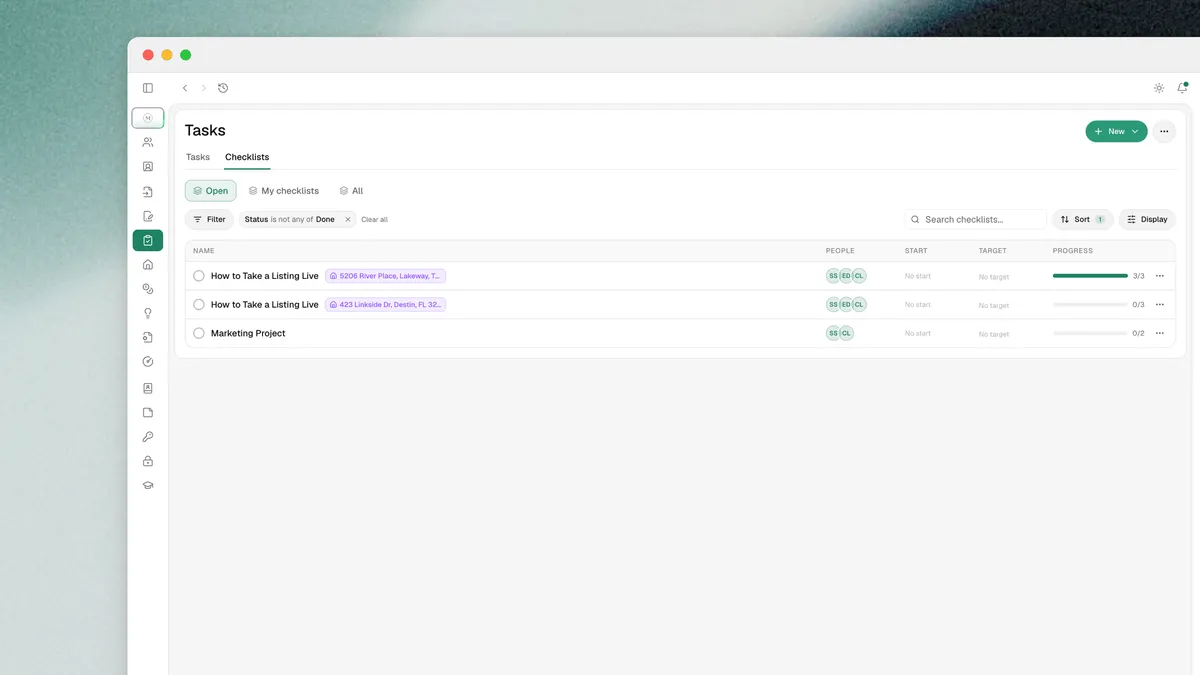
Tasks and checklists have a new home and a lot more to them.
One page for tasks and checklists
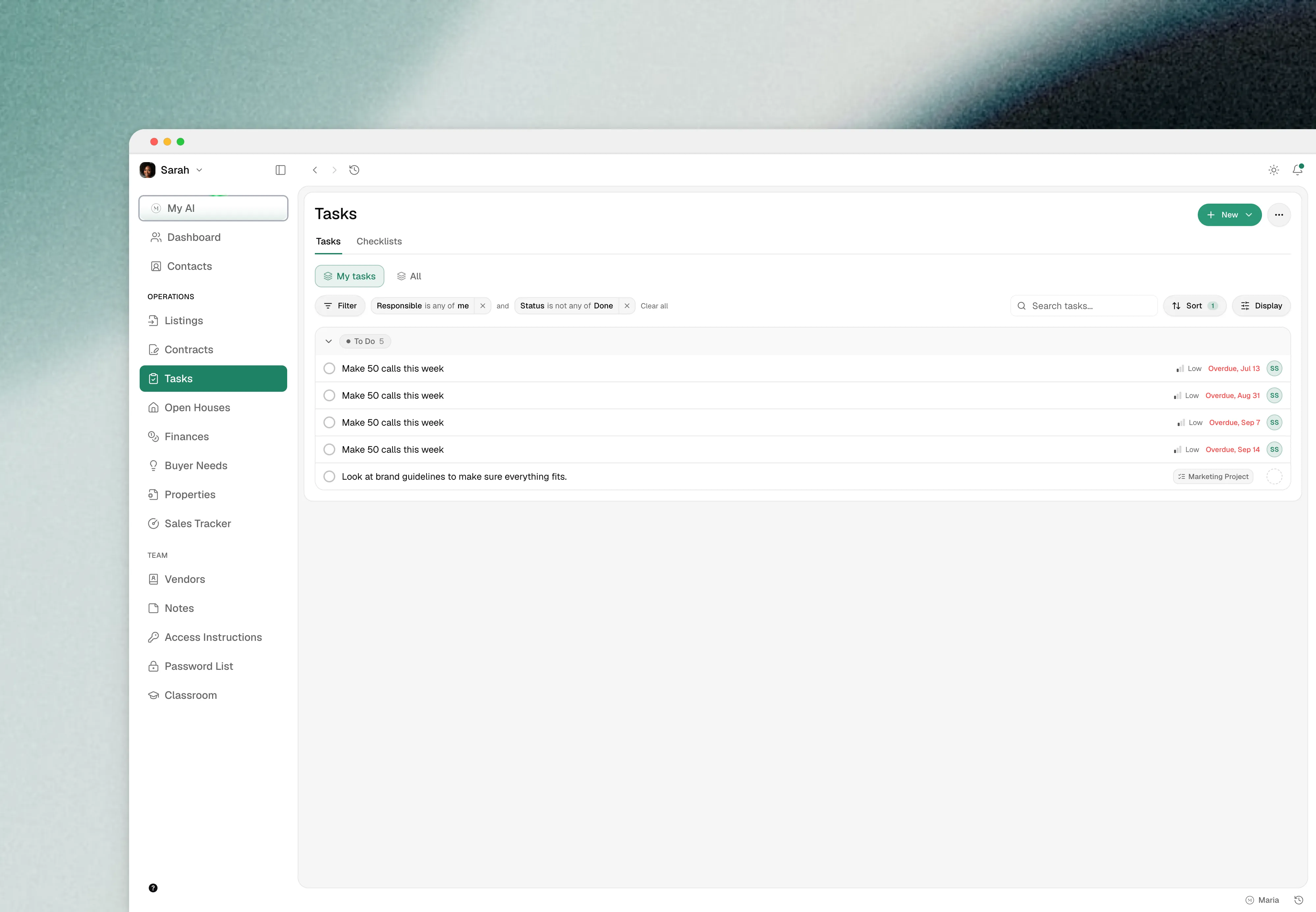
Tasks and checklists now live on one page. Tasks can be filtered, sorted and grouped by anything you need, and you can save the views you keep coming back to.
Checklists work like projects
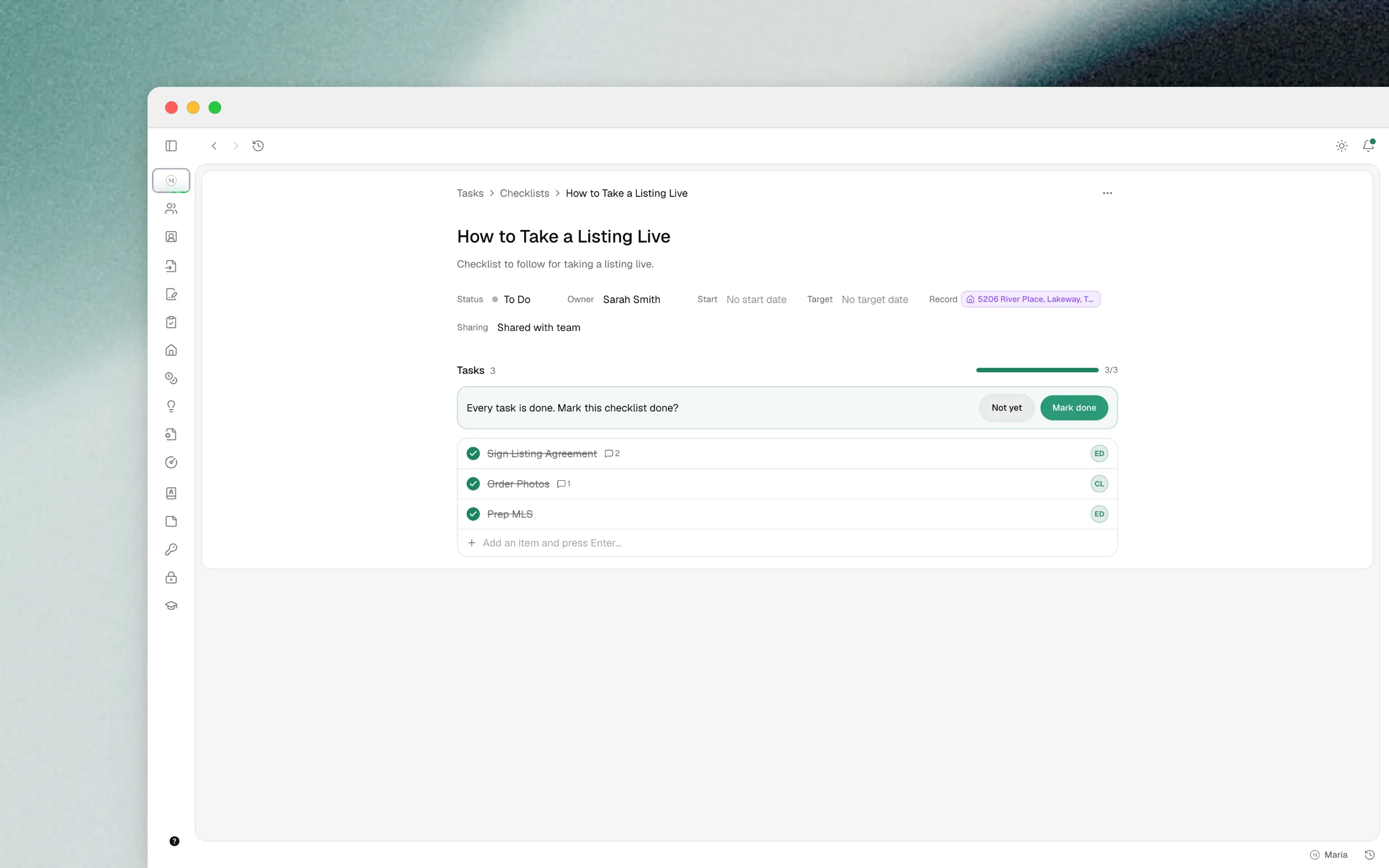
A checklist is a group of tasks with its own status and target date. Create one from a template or from scratch, and give each item an assignee. Both tasks and checklists can be linked to a property record today, and soon to any record.
Templates
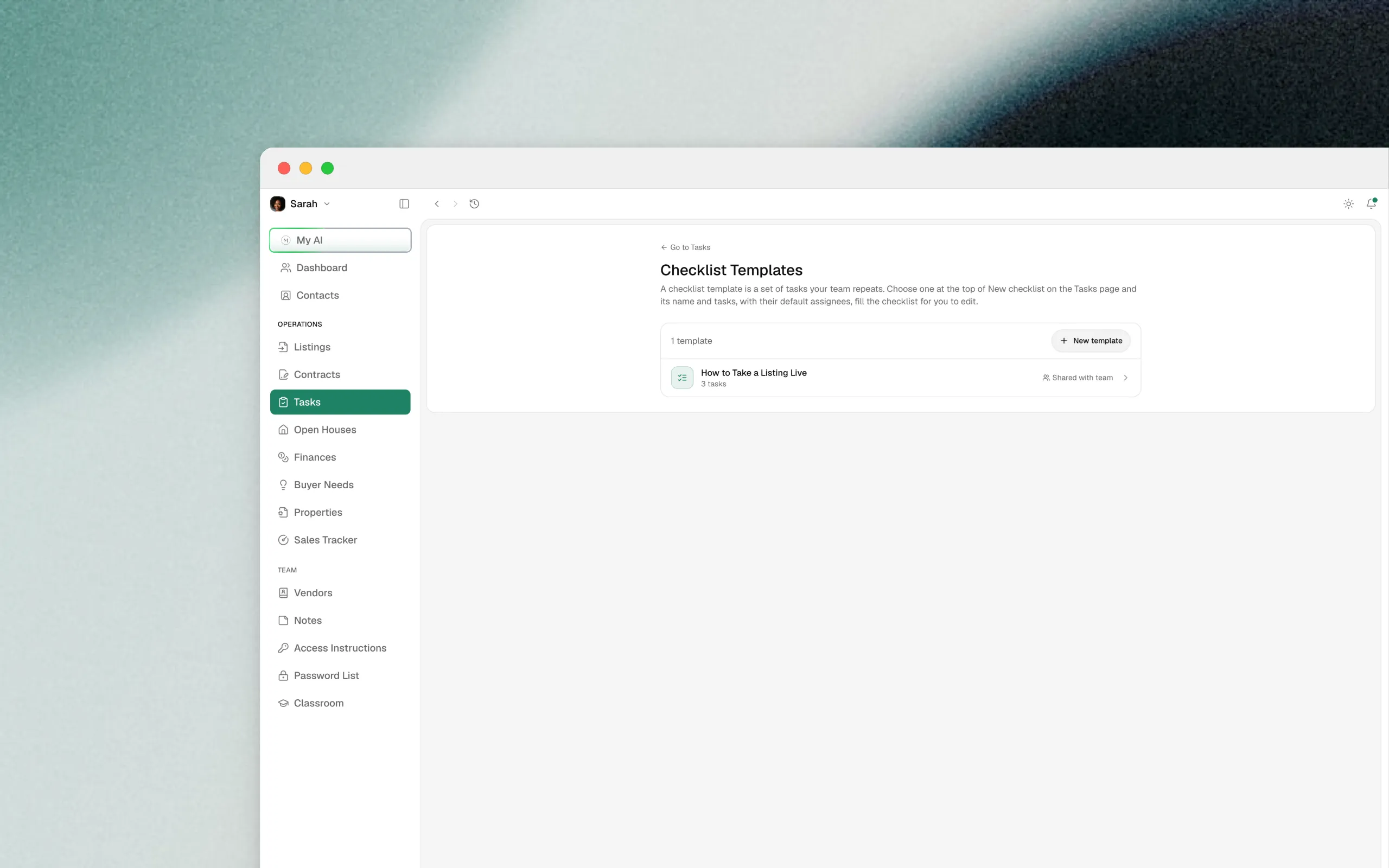
Create a template from Create new checklist or from the Templates menu. Pick a template while you create a listing or a contract and the checklist is ready on the record.
Assign and notify
Hand a task to anyone on the team. Assigning a task, reassigning it, or @mentioning someone in a comment tells that person, and the notification opens the task. Overdue reminders go to the person the task is assigned to. Comments can be edited and deleted.
Also in this update
-
Import expenses from a spreadsheet:
SettingsthenImport & export. Review the matches, import, and undo the whole run if you need to. -
A bank charge that looks like an expense you already entered is flagged for you to keep one or both. Nothing is dropped silently.
Watch the video for a tour of the new Tasks page.