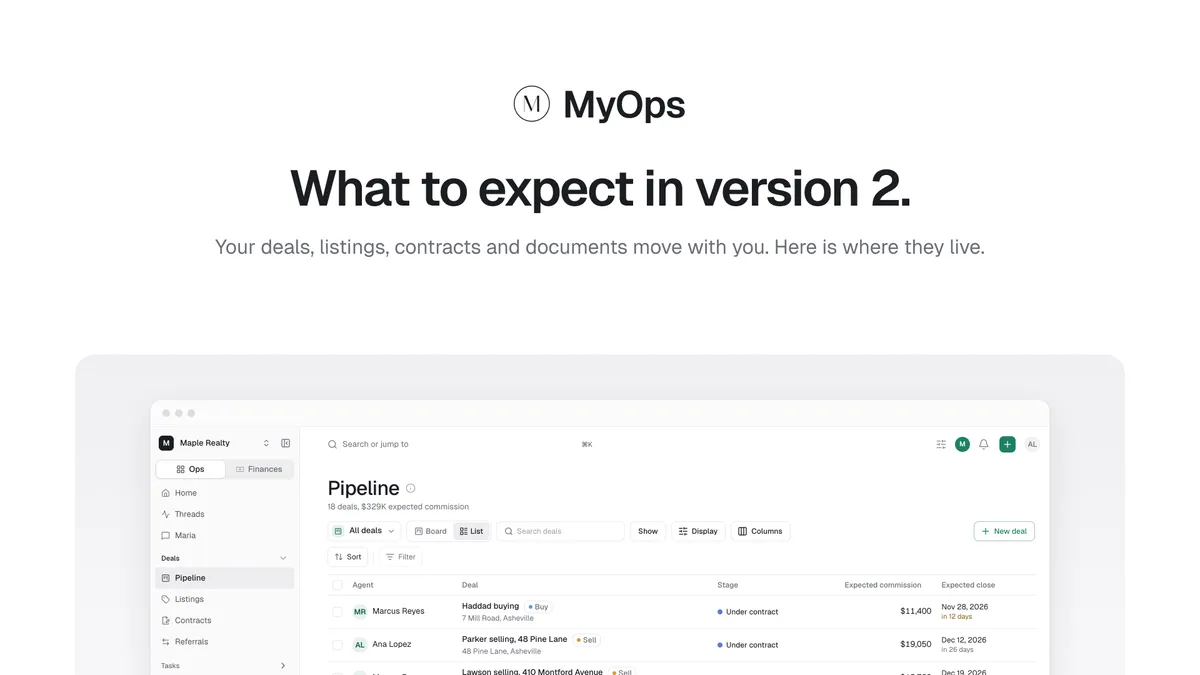
Welcome to MyOps 2.0. Your team’s deals, people, docs and money have moved over, and you sign in with the same email and password as before. Here’s a quick tour of where everything lives now.
In this post
-
Everything lives on the deal
-
People, Docs and Finances
-
Maria, your assistant
-
The iPhone app
-
What’s still in beta this week
-
Getting help
Everything lives on the deal
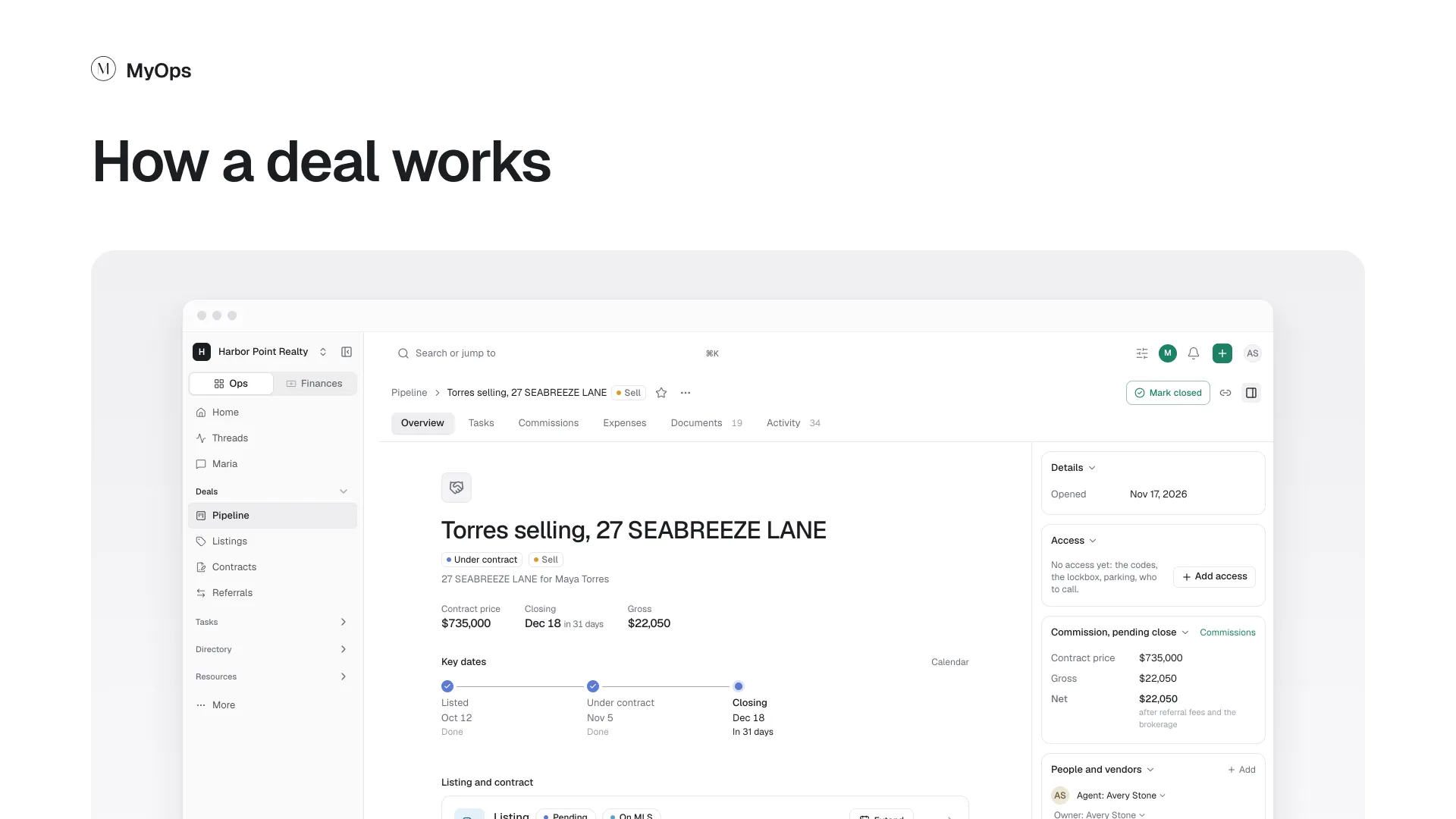
A deal holds everything about one piece of business, from the first conversation to closing. The people, the property, the listing, the contract, photos, checklists, tasks and commission splits all sit on the deal.
-
Your pipeline is on
Deals, by stage. Drag a deal forward as it moves. -
Buyer needs are now deals, so you can follow a buyer from what they want to the home they buy.
-
Listings and contracts are still on their own pages too, and each one opens its deal.
People, Docs and Finances
-
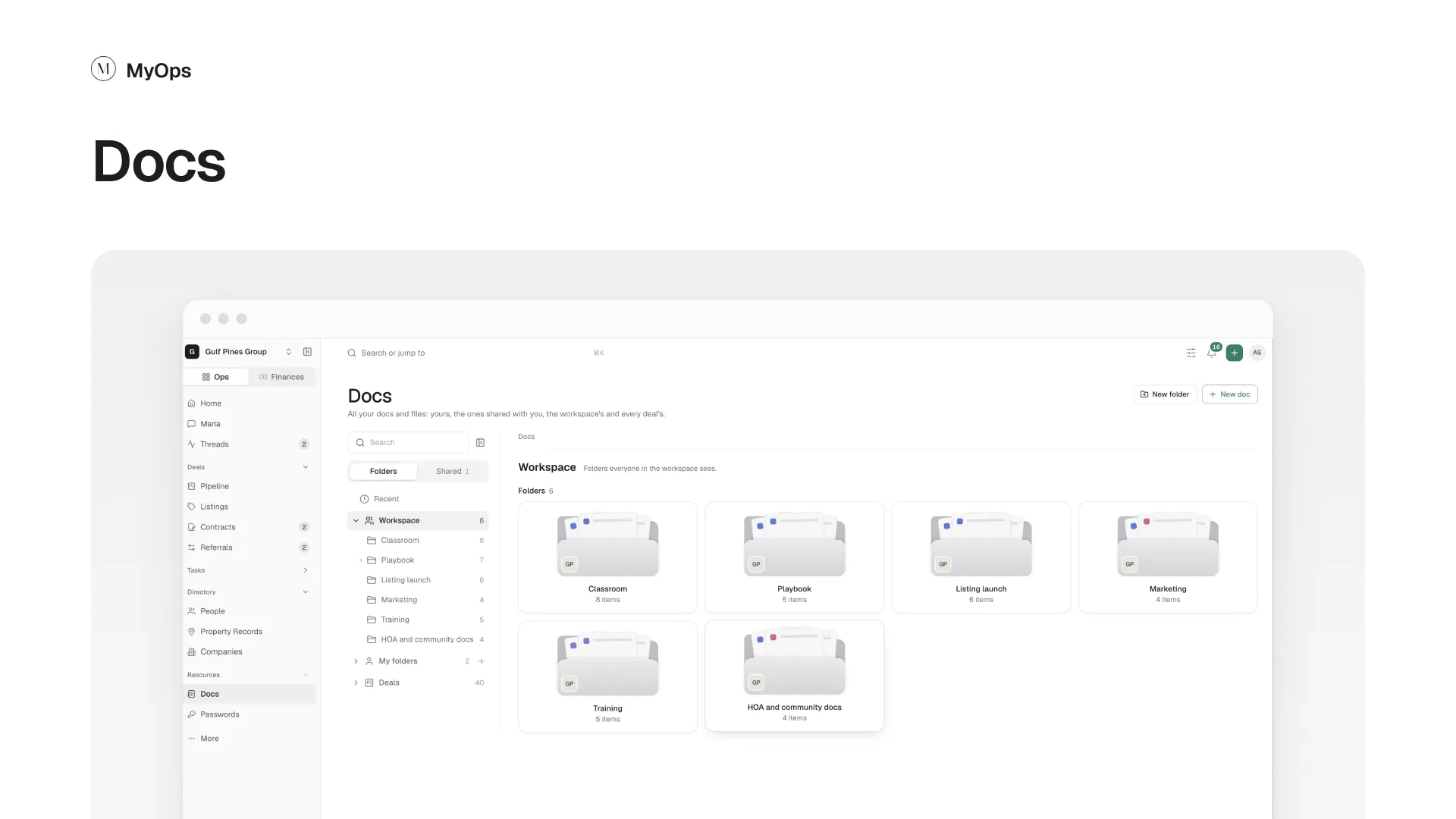
People: contacts are now People. Every buyer, seller, lender and agent across the table is one record, linked to their deals.
-
Docs: notes, shared docs and your team’s files are in one Docs area with one editor. Files that belong to a deal are also on the deal’s Documents tab.
-
Finances: volume, closings, commissions and expenses for your team, and each agent’s earnings.
Maria, your assistant
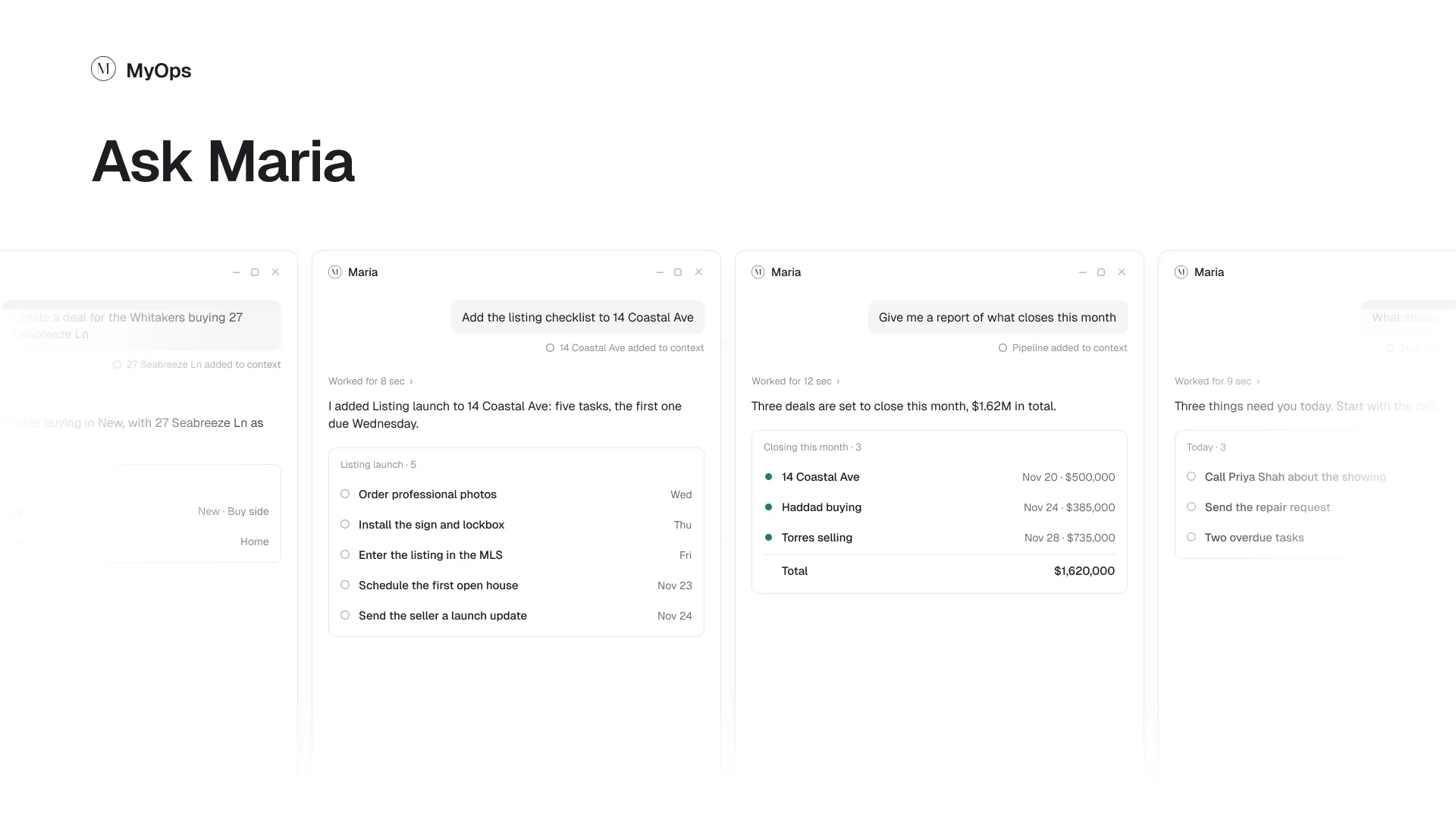
Maria can do more than answer now. Ask her to create or update things, and she lays it out on a card for you to check first. Nothing is saved until you say yes. A few things to try:
-
“Schedule a showing at [address] tomorrow at 2pm”
-
“Create an open house at [address] this Saturday from 11 to 1”
-
“Add feedback to my open house at [address]”
-
“Summarize the feedback from my open houses this month”
-
“Add a new person: [name], [phone]”
-
“What closings do I have this month?”
Creating with Maria is in beta. Tell us what works and what doesn’t, so we can keep improving her.
The iPhone app
The phone app is rebuilt from the ground up as a new app, MyOps 2.0. It’s waiting for Apple’s approval for public testing and the App Store, and it will be ready soon. Until then, use MyOps in your phone’s browser.
On Android, MyOps 2.0 works in your phone’s browser and can be added to your home screen like an app.
What’s still in beta this week
-
Google Calendar: when you connect it, Google shows a warning that the app is unverified. It is secure. Google is still finishing its review. Click
Advanced, thenGo to MyOps. -
MyOps in Claude or ChatGPT: the connector is off for a few days while we move it to 2.0. It will be back soon, with more tools.
-
Bank feeds: reconnect your bank in Finances. Past expenses came over.
Getting help
The help docs for MyOps 2.0 cover deals, Docs, Maria and the Migration Assistant: MyOps 2.0 help docs. Questions or something looks off? Message us from the help menu in MyOps.